What an installation gives you
Checks run on GitHub-hosted runners, incidents live in GitHub Issues, and the result is published as a beautiful static page. Nothing runs on a machine of yours, and there is no account to open anywhere else, because all of it uses what a repository already brings with it. Everything below belongs to an installation from its first run rather than being something to switch on afterwards.
01 Checks
Checks that run on GitHub
Direct IPv4 GET and HEAD checks from GitHub-hosted runners, every five minutes, with response-time samples four times a day.
02 Incidents
Incidents that open themselves
A confirmed failure opens a GitHub issue, and a recovery closes it. Planned maintenance stays visible as a neutral event in the history.
03 History
A history worth keeping
Availability, response times, incidents, and maintenance, kept on a dedicated branch rather than in a database, for as far back as you ask for.
04 Themes
A page somebody designed
Curated themes, each shipped whole with the typefaces it uses, plus service icons, SEO output, and selectable history ranges.
05 Domain
Your own domain
Published through GitHub Pages, with a custom domain when you want one, and no server or database anywhere in the picture.
06 Secrecy
Nothing leaks into the open
Endpoint URLs and secrets never enter the published documents, and invalid data leaves the last valid snapshot untouched.
How it works
Four steps, and every one of them happens inside your own repository. You write down what should be watched, GitHub runs the checks on its own schedule, each run leaves its result on a branch of its own, and the page is built from that result. Nothing in this waits on a service of ours, so your page goes on building whether or not anything of ours is running.
-
You describe what to watch
A file called velvet.yml names the repository, the page, and every service. A public website needs only a name and a URL.
-
GitHub Actions does the checking
The status workflow runs every five minutes and the response workflow four times a day, both on GitHub's own runners.
-
Results are published as data
Each successful run writes one validated snapshot to a dedicated branch. The monitor never rewrites your default branch.
-
The page builds from that snapshot
GitHub Pages renders the status page, its social card, and its SEO files, whether or not the setup service is up.
Different themes to start from
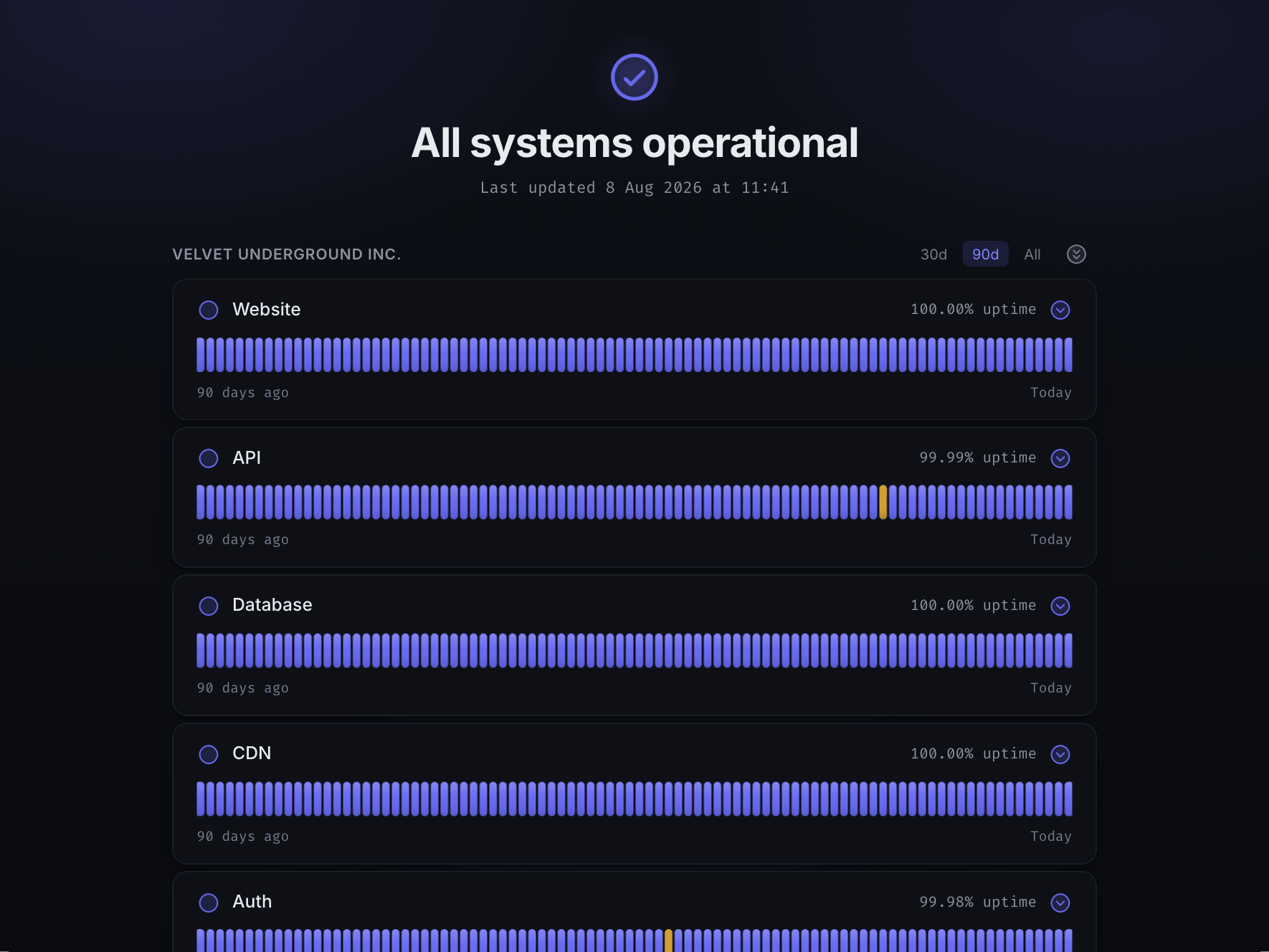
Four of them are finished and tested today, and you pick one while you set your page up. Each arrives whole, with the typefaces it is drawn in and the icons it needs, so a published page asks nobody else for anything. The choice is a field in your configuration, so changing your mind later is a change to one file rather than a rebuild. There will be more as time goes on, and if you have a particular one in mind, write to us.
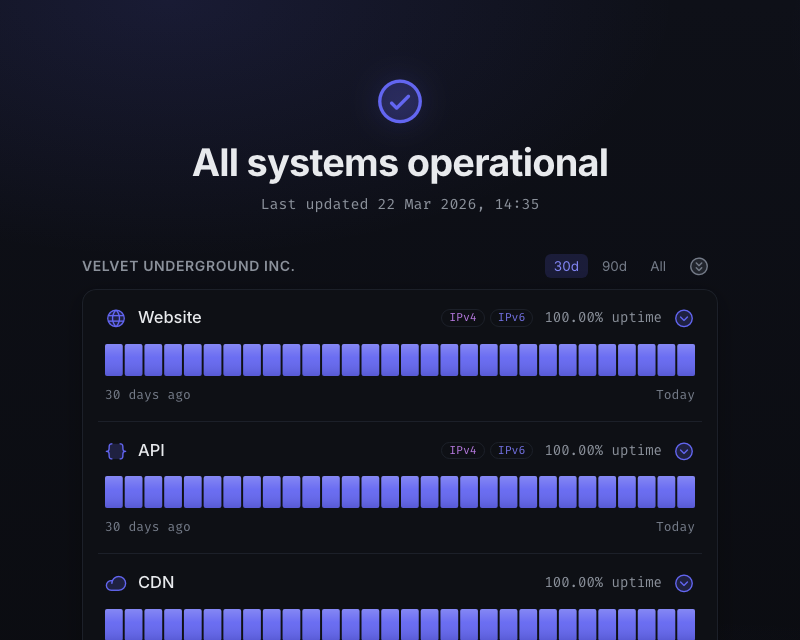
Velvet today 
Retro Chassis 1979 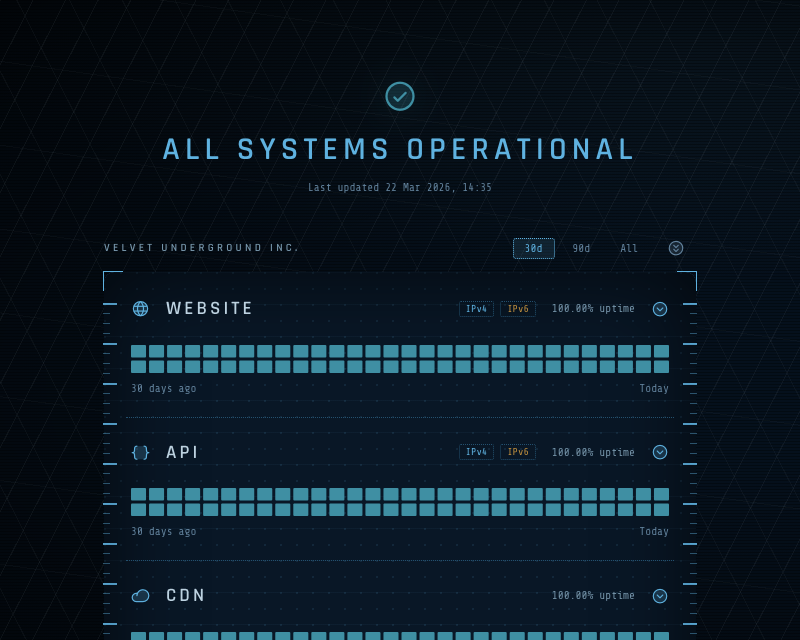
Twenty Forty-Nine 2049 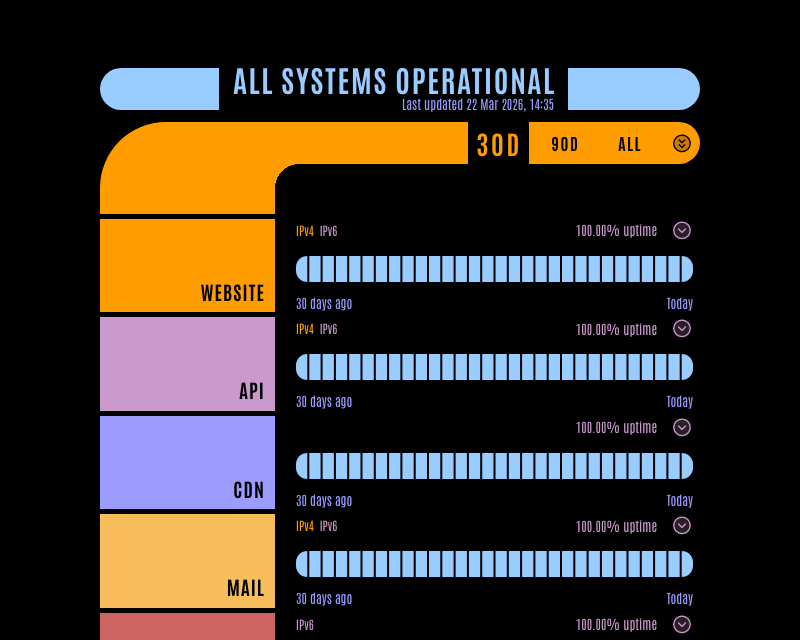
NCC-1701-D 2364
Read it in your terminal
There are man pages for the architecture, velvet(7), and for every option there is, velvet.yml(5). They install into your home directory and ask for no administrator rights.
In time Velvet will be workable from a terminal alone. A command line tool for that is still to come.
DownloadReady in a couple of minutes
The browser setup asks for a repository, your services, an optional domain and one of our curated themes. After you approve it on GitHub it does the rest.
Create